MNX PLATFORM
Platform Redesign, UX Audits & Design System

About MatNex
MatNex is dedicated to discovering and developing innovative materials that significantly reduce environmental, economic, and social costs. Their platform is crucial for facilitating material discovery, but it required a major UX/UI overhaul to improve usability and scalability.
My Role
Lead Product Designer responsible for UX audits, platform redesign, design system creation, and supporting the internal team with UI/visual improvements.
UX/UI
DESIGN SYSTEM
SERVICE DESIGN
USER RESEARCH
PROTOTYPING
TESTING

APPROACH
Approaching the Problem
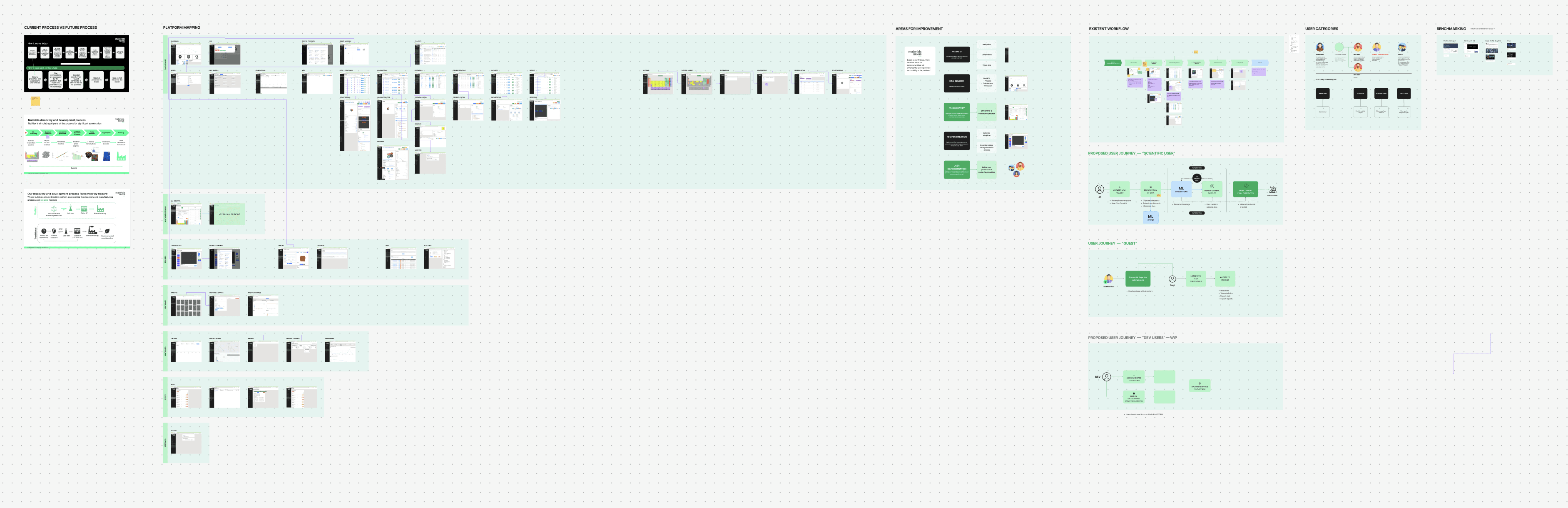
At the beginning, it was clear the platform wasn't just outdated visually — it was hindering daily workflows. I took a Human-Centered Approach to uncover the root causes and opportunities.
Key Research Activities
Stakeholder Interviews to align on goals and understand team needs.
User Interviews with internal platform users (researchers, material scientists, project managers) to map friction points.
Persona creation representing different user types and their platform usage patterns.
User Journey Mapping across workflows like project management and material comparison.
UX Audit to document inconsistencies, usability issues, and navigation problems.
Competitor Analysis against best-in-class internal platforms and enterprise dashboards.
UNDERSTANDING
Defining the Problem
Before jumping into solutions, I focused on deeply understanding the problem space. I began by uncovering user needs, business goals, and platform limitations.
First-Hand Insights
I conducted interviews with end-users to understand their behaviors, frustrations, and expectations, uncovering valuable qualitative insights that shaped design direction.

Robert P.
Product Owner
David D.
Scientist
Lucia B.
Operations
02:24
INTERVIEWER
Great. As you began to scroll, did that “fresh and current” feeling stay consistent?
02:32
USER
Not really. Some parts look modern, but others haven’t caught up. It’s like the styles are inconsistent, almost like two different teams worked on it and didn’t coordinate.
02:46
INTERVIEWER
Can you point to a specific section that felt dated or out of step with the rest?
02:52
USER
The product-detail page. The typography suddenly switches to a serif font, and the buttons lose their rounded corners. It feels like stepping back a decade.

Mapping the Experience
Mapping the user journey revealed where users faced friction, dropped off, or repeated unnecessary steps—allowing us to pinpoint key moments for improvement.
Team Ideation Workshops
Through collaborative workshops with stakeholders and cross-functional teams, we aligned on goals, clarified priorities, and gathered expert input early in the process.
INSIGHTS
UX Findings
Research revealed pain points in navigation, visual inconsistency, and unclear flows, guiding where the design needed the most impact.
Paint points & frictions
Users struggled with unclear navigation, inconsistent interfaces, and lengthy flows—issues that caused confusion, errors, and drop-offs.


Low usability score
Our initial audit and testing revealed a low usability score, driven by poor information architecture, inaccessible design patterns, and friction in critical user paths.
EXPLORATION
Exploring Ideas
With a clear understanding of the problem, I explored multiple directions through sketching, wireframing, and rapid ideation to find the best experience.
Low-Fidelity Concepts
I translated early concepts into wireframes that focused on structure, layout, and content hierarchy—allowing for quick feedback and iteration.
Quick prototyping
Interactive prototypes helped visualize key flows and gather actionable feedback from users and stakeholders before moving into high-fidelity design.

VALIDATION
Testing with Real Users
I conducted usability testing with real users to evaluate design clarity, task success, and overall satisfaction.
User Testing
Insights from these sessions helped identify areas for refinement, resulting in a more intuitive and user-focused final product.
MX_NEW_PROJECT_USER_TESTING_24
Insights & Validation
Following multiple rounds of usability testing, we gathered detailed feedback on how users interacted with key parts of the product, including navigation flows, forms, & feature access points. These sessions revealed both subtle and significant friction points, such as unclear labels, redundant steps, and hesitation in completing tasks.
Using these insights, we prioritised and implemented targeted design updates:
• Improving button hierarchy
• Simplifying form structures,
• Clarifying copy, and
• Layout refining for better guidance.

SOLUTION
Final Designs
The final designs deliver a cohesive, accessible, and user-friendly experience, built with modular components and clear, goal-driven interfaces.


SCABILITY
Design System
To ensure consistency and support future growth, I created a scalable design system based on atomic principles & design tokens, enabling faster design and dev cycles.




Scability
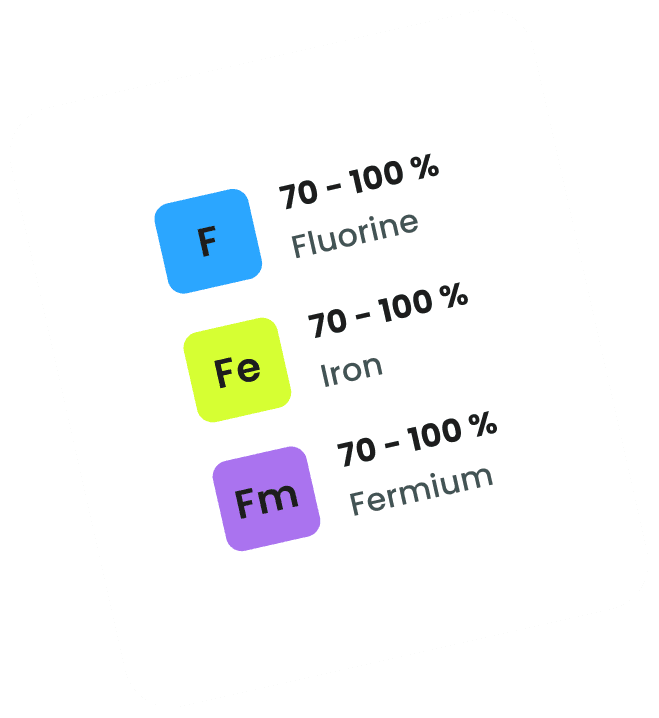
A structured design system can speed up development and design processes by 40-60%, improving consistency.
Components library
I built a comprehensive components library within Figma to support consistency, scalability, and efficiency across the product.

Colour palette
I developed a balanced, brand-aligned color palette to support accessibility and maintain visual harmony across components and pages.

Iconography
A custom icon set was created to unify the visual language and enhance scannability throughout the platform.

Font family & styles
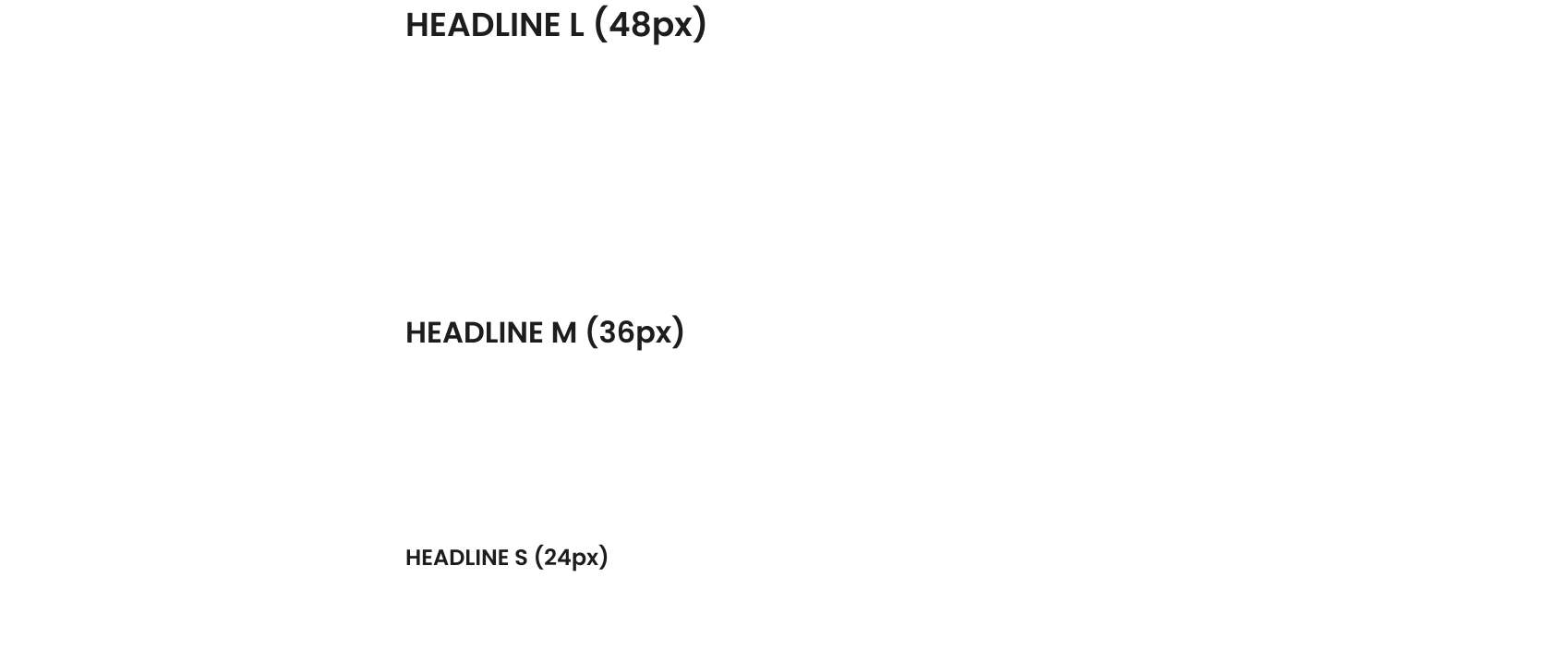
I defined a modern, legible font system with clear hierarchy and flexible styling to adapt across screen sizes and content types.


METRICS
Results & Impact
I conducted usability testing with real users to evaluate design clarity, task success, and overall satisfaction.
Business Metrics
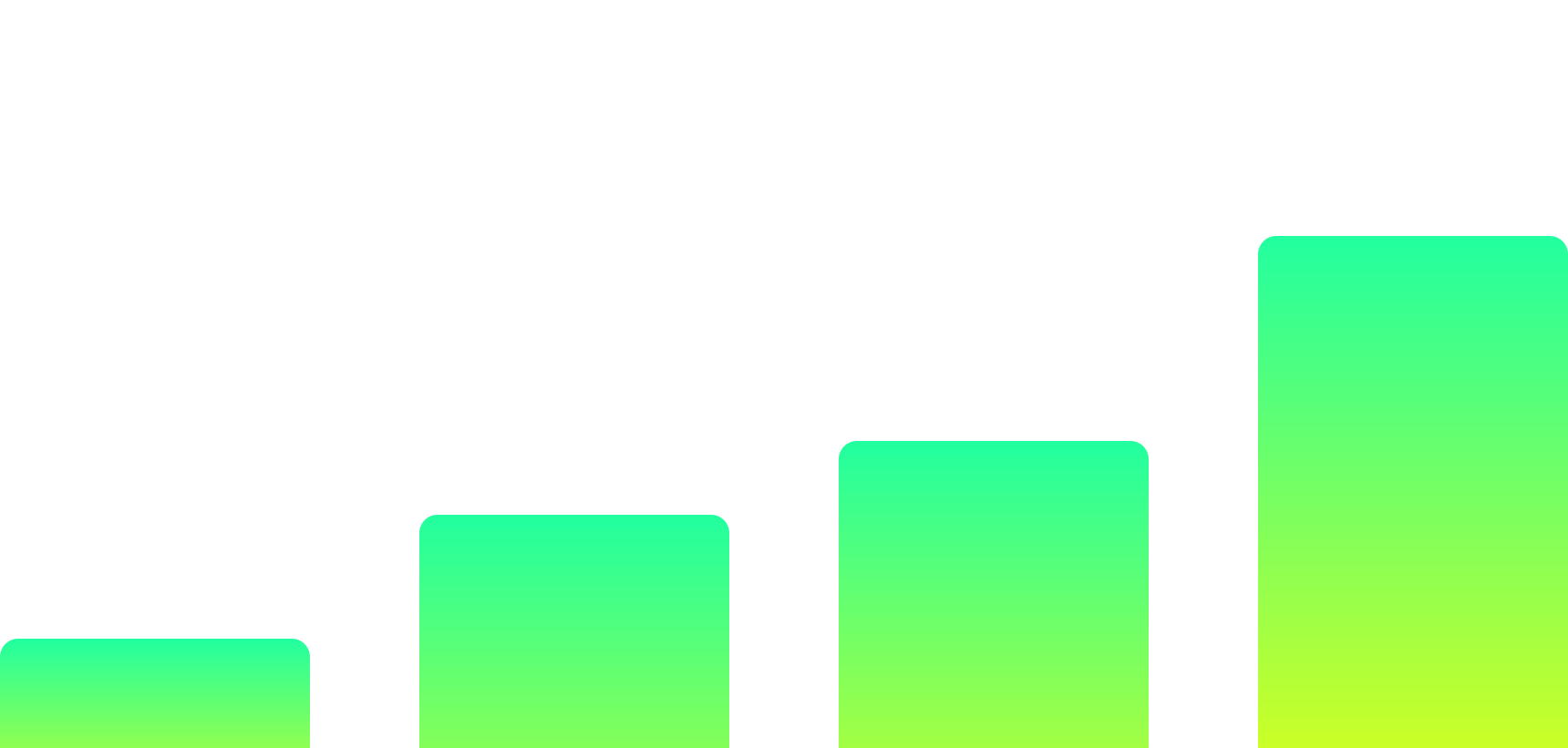
We saw increases in traffic, retention, and conversion rates, directly tied to the design updates and improved user flows.
Key Improvements
Outlined common task flows and challenges across different departments to reveal opportunities for streamlining.
Redesigned Dashboard and Navigation based on streamlined workflows.
Built a full modular Design System using atomic design principles (atoms → molecules → organisms → templates).
Created UI kits, templates, documentation, and reusable components in Figma.
Optimised critical workflows like material comparison, project reporting, and dashboard visualisation.

GET IN TOUCH
Let's Talk
Got a project in mind or want to collaborate? I’d love to hear from you